More people now ask ChatGPT and Perplexity before they ask Google. These assistants don't list ten links. They write one answer and cite a few sources, and the click that follows is warm. To be one of those sources, a page has to be readable by AI crawlers, answer one question clearly, describe its facts in structured data, and be mentioned by other sites. Here is the checklist we run on every site we ship.
Why AI answers matter now
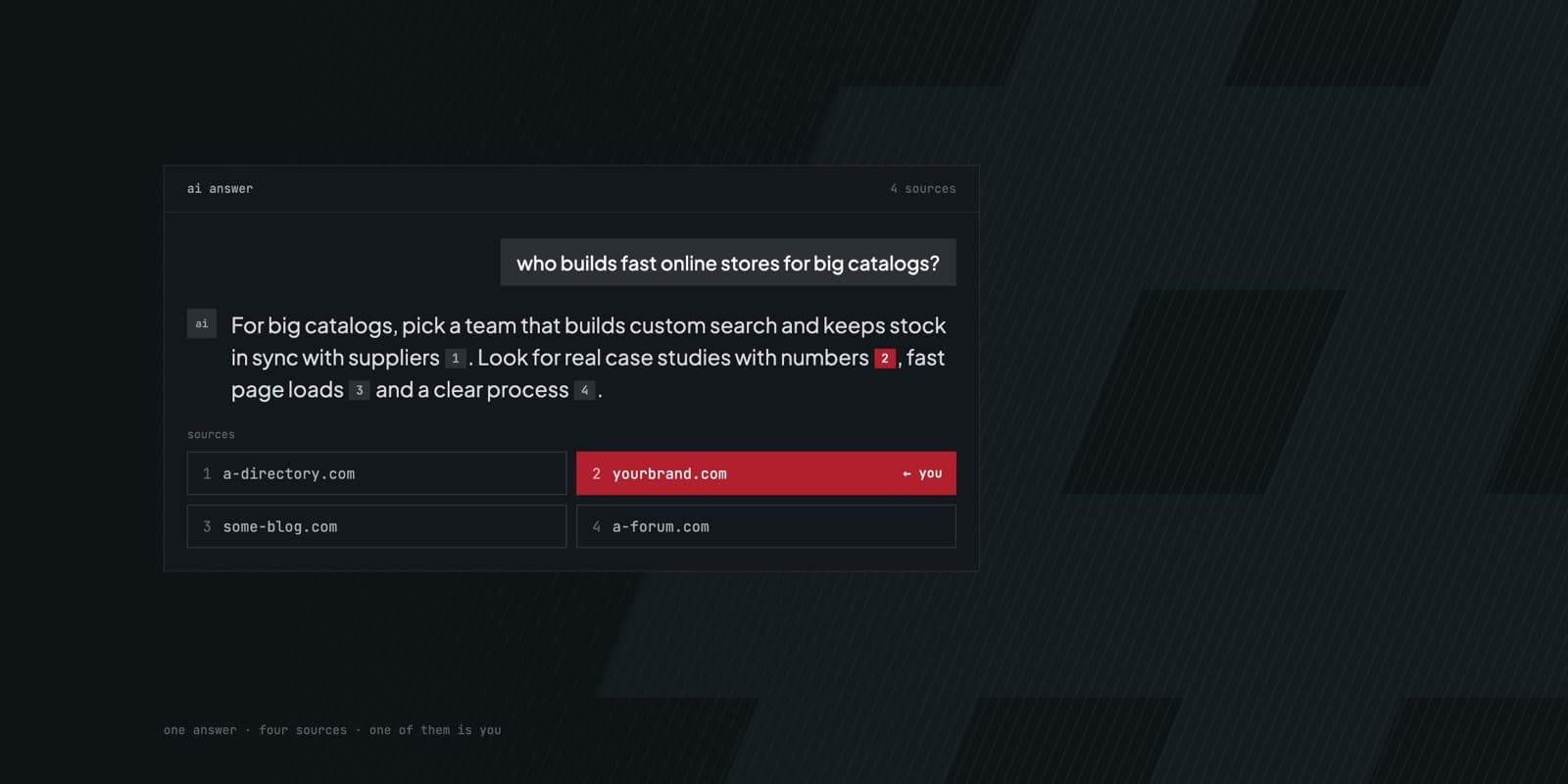
A search results page gives you ten chances to be clicked. An AI answer gives you three or four, and only if you're cited. If you're not in the answer, you're not in the conversation.
The people who click a citation have already read a summary of your offer. They arrive with half their question already answered, and they chose to click you.
Google takes this traffic seriously too. In May 2026, Google Analytics added "AI Assistant" as its own channel, next to Organic Search and Direct.
The good news is that the signals AI assistants use overlap heavily with good SEO. Assistants that search the web, like Perplexity, ChatGPT search and Google's AI Overviews, read live pages. If your SEO basics are solid, you're already halfway there. The five steps below cover the other half.
Step 1: Let AI crawlers in
Before an assistant can cite you, its crawler has to read you. Two things block that more often than people think.
The first is robots.txt. Each AI company runs more than one bot, and they do different jobs. Search bots fetch pages so the assistant can cite them in answers. Training bots collect text to train future models. You can welcome the first kind and turn away the second.
# Search bots: let them in, so AI answers can cite you
User-agent: OAI-SearchBot
Allow: /

User-agent: PerplexityBot
Allow: /

User-agent: Googlebot
Allow: /

# Training bots: your call
User-agent: GPTBot
Disallow: /

User-agent: Google-Extended
Disallow: /

Sitemap: https://yourbrand.com/sitemap.xml
Blocking GPTBot only stops OpenAI from training on your pages. Blocking OAI-SearchBot removes you from ChatGPT's search answers. Many sites block both by accident with a single User-agent: * rule, or a security plugin does it for them. Check yours today.
The second is JavaScript. The major AI crawlers download your HTML and stop there. They don't run your scripts. If your text only appears after JavaScript loads, as it does in many single-page apps, they see an empty page.
Open your page with JavaScript turned off. Whatever is missing is invisible to AI. This is why we render every page on the server, with Astro or Next.js. The content is in the HTML before any script runs.
Step 2: Make every page answer one question
AI assistants quote passages, not whole pages. The easiest page to quote is one where a clear question is followed straight away by a clear answer.
- Use the question as the heading, in the words your customers use. "How much does a clinic booking app cost?" is better than "Pricing".
- Answer it in the first 40–60 words. That passage has to make sense on its own, because it may be quoted without the rest of the page.
- Then go into detail: steps, examples, edge cases.
- Include real numbers, places and dates. "Most projects ship in 6–10 weeks" can be cited. "We deliver fast" can't.
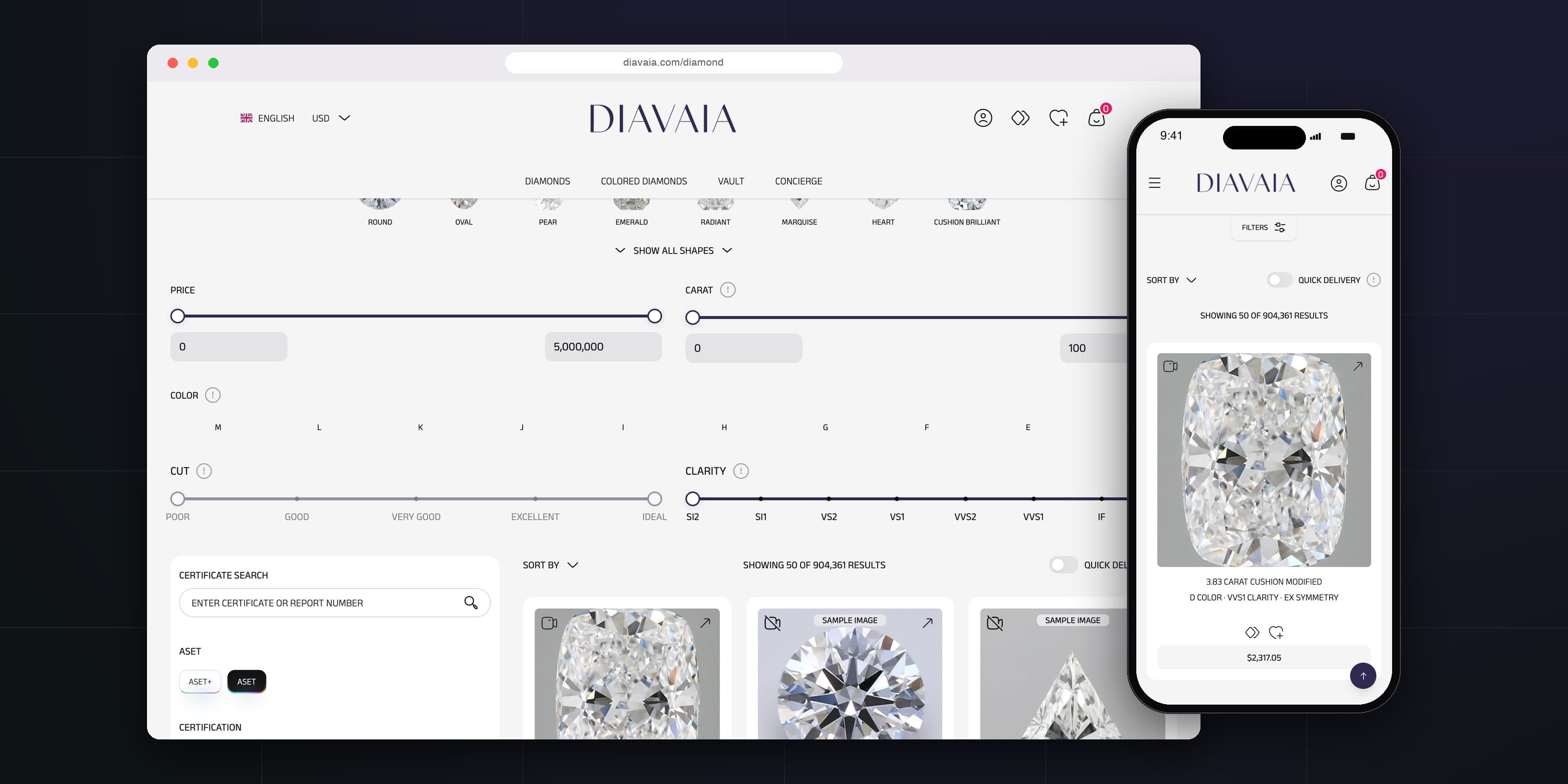
Here is a real example from one of our case studies:
A question, a direct answer and three numbers. It reads well to a person, and an assistant can lift it straight into an answer.
Step 3: Add structured data
Structured data (schema markup) describes your page's facts in a format machines read without guessing: who you are, what you sell, and which questions you answer. At minimum, add these to the pages that sell:
Organizationon the home page, with your name, logo, contact details andsameAslinks to your profiles elsewhereServiceorProducton each offer pageArticleon blog posts, with the author and datesFAQPagewherever you answer questions
{
  "@context": "https://schema.org",
  "@type": "FAQPage",
  "mainEntity": [{
    "@type": "Question",
    "name": "How long does a booking app take?",
    "acceptedAnswer": {
      "@type": "Answer",
      "text": "Most projects ship in 6–10 weeks."
    }
  }]
}
One honest note. Since 2023, Google shows FAQ rich results, the expandable questions under a search result, only for well-known government and health sites. So FAQ schema won't change how you look in Google. We still add it, because it states your answers in a clean, unambiguous form, and that is exactly what an assistant needs.
Step 4: Earn mentions outside your site
Assistants trust what others say about you more than what you say about yourself. A business that is only described on its own website is a weak source, however good that website is.
“If no one else mentions you, an AI has no reason to.”
Places worth showing up:
- Your Google Business Profile, with real reviews. Answers about local services lean on them.
- Industry directories and marketplaces where your customers compare options.
- Case studies on your clients' or partners' sites. One page from a client saying what you did for them is worth more than ten pages about yourself.
- Guest posts, podcasts and community threads where you answer real questions in your field.
Use the same name, description and contact details everywhere. Then link to those profiles from the sameAs field of your Organization schema. Consistency is how a machine works out that all those mentions are about one business: yours.
Step 5: Measure what AI sends you
What you don't measure, you can't improve. Three ways to see AI traffic:
- In Google Analytics 4, open Reports → Acquisition → Traffic acquisition and look for the AI Assistant channel. It was added in May 2026 and picks up visits from ChatGPT, Gemini, Claude and other assistants it recognizes.
- Look for
utm_source=chatgpt.com. ChatGPT adds it to the links it cites, so those visits stay tagged even when the referrer is lost. - Ask people. Add "Where did you hear about us?" to your contact form, with "ChatGPT or another AI assistant" as an option. Some AI visits arrive without any referrer and show up as Direct. Your leads will tell you what analytics can't.
Then close the loop. Once a month, ask the assistants the questions your customers ask: "best [your service] in [your city]", "how much does [your product] cost", "[you] vs [competitor]". Note who gets cited. For every question where you're missing, write the page that answers it, using step 2.
The checklist
- AI search bots are allowed in
robots.txt, and your content is in the HTML without JavaScript. - Every page answers one question, with the answer in the first 40–60 words.
- Organization, Service, Article and FAQPage schema are on the pages that sell.
- You're mentioned, consistently, on sites you don't own.
- AI traffic is tracked in GA4 and on your contact form, and reviewed monthly.
None of this is a trick. It's the same work that makes a site useful to people, written so that machines can quote it.
Frequently asked
No. It makes your facts easier to read and trust, but useful content and mentions on other sites still decide who gets cited.
Assistants that search the web, like Perplexity and ChatGPT search, read your page again when they next crawl it, so updates can show up quickly. OpenAI says `robots.txt` changes take about a day to apply. Answers that come only from a model's training data change when the model is retrained, which can take months.
Mostly the same foundations. The difference is writing passages that make sense when quoted alone, and tracking AI referrals separately.
That's a business choice. Blocking training bots like GPTBot doesn't stop search bots from citing you, as long as those stay allowed.